2 GB user interviews into Claude when the chat limit is 500 MB
Two months ago we moved Zernote's interface into MCP.
We ran 22 interviews with UX researchers. Around 80% were already running interview analysis through an LLM. They paste transcripts into Claude, ask for themes. After 7 to 9 interviews the model starts to hallucinate.
So we built the wrapper. Tools for folders, interviews, transcripts, quotes. OAuth. Claude could read a corpus and cite it.
And we still could not turn the UI off.
One thing blocked it: upload limits.
User researchers often record calls as screencasts. Such recordings can be up to 800 MB, 900 MB, and sometimes 1800 MB.
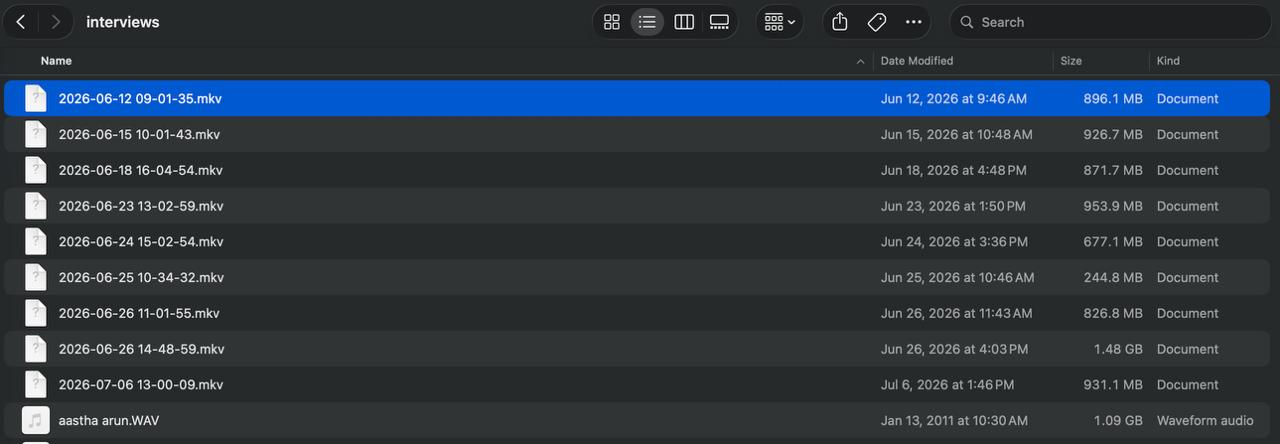
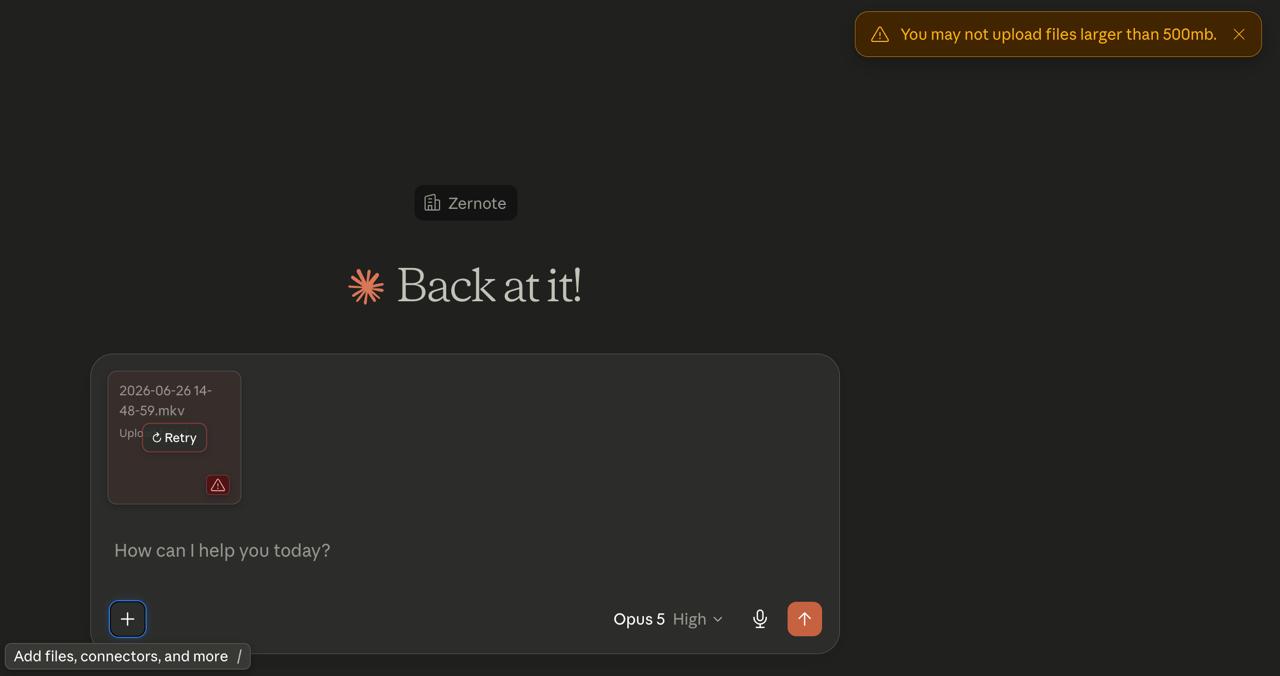
Claude has a hard limit: 500 MB per file.
The unlock was in someone else's connector
We went looking for how other people were getting files into Claude at all.
Brain Graph's connector was doing it. Their tool takes a PDF, slides, or an audio file and lands it in their knowledge graph. Their caps are modest: around 150 MB for audio, 35 MB for documents. Nowhere near a 1800 MB screencast.
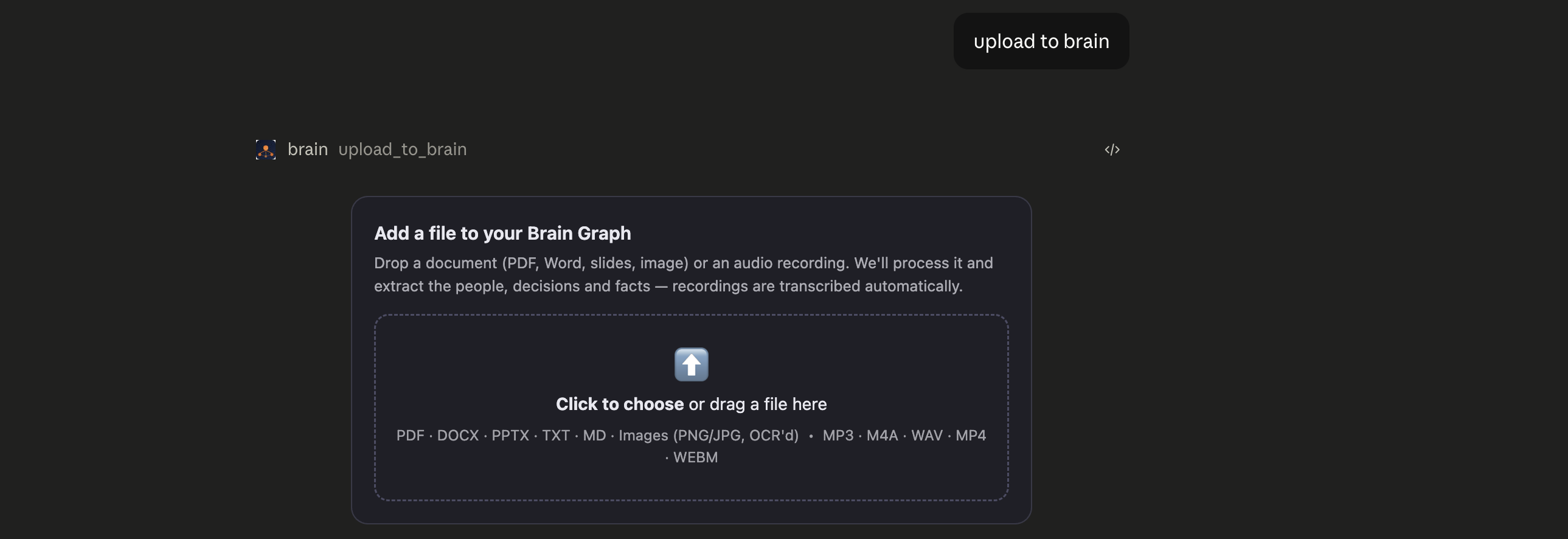
The limits were not the interesting part. The mechanism was.
They were not pushing bytes through the tool call. They were opening a widget.
Widgets
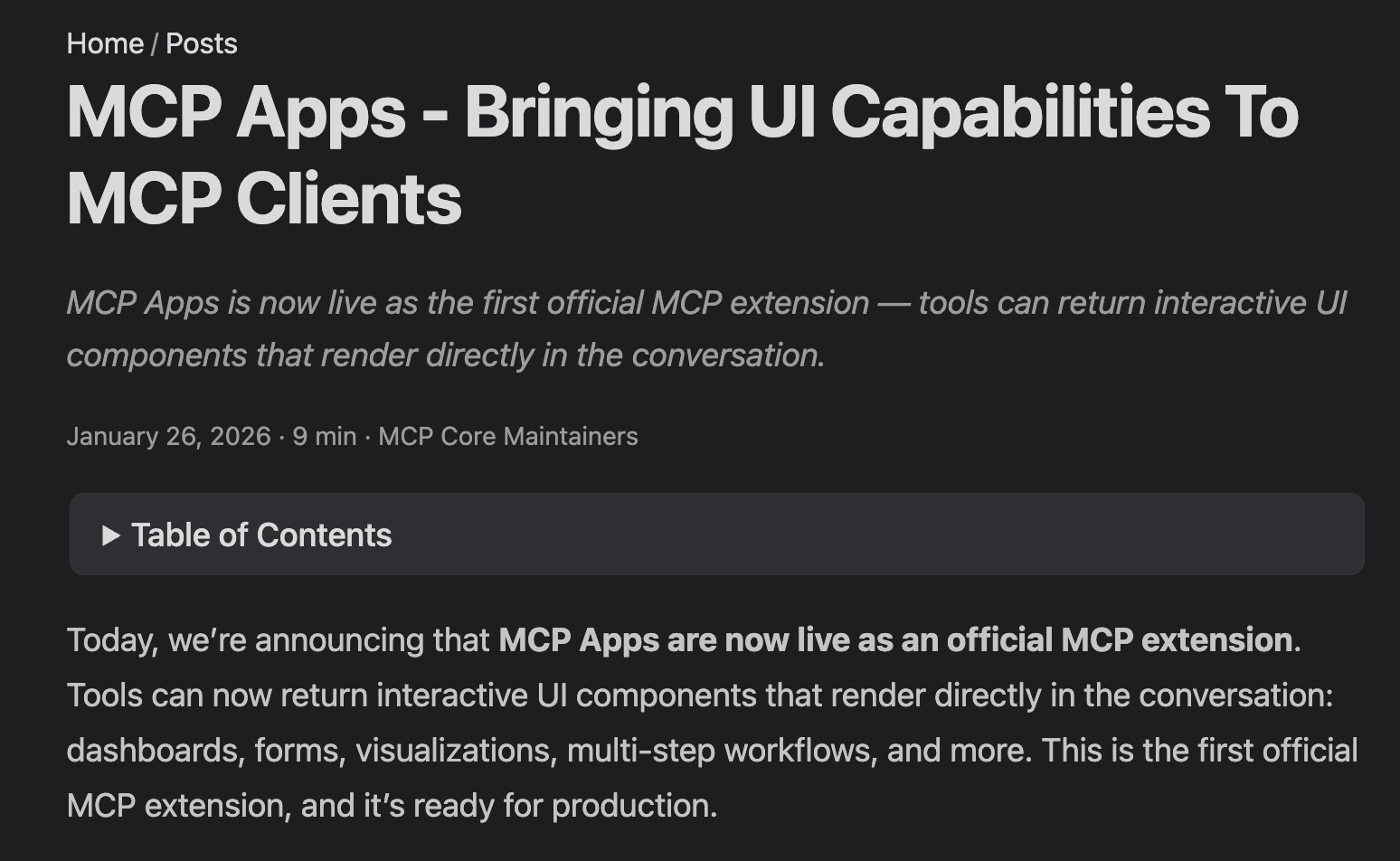
Anthropic shipped MCP Apps in January 2026. Any connector can hand Claude an iframe, a small application rendered directly inside the conversation.
The iframe does not run on claude.ai. Anthropic serves it from its own sandboxed origin:
https://<hash>.claudemcpcontent.com
Your widget talks to your server through that origin.
Which makes the path: user → browser → proxy → your backend.
Bingo.
The file goes straight from the browser to our backend. It never enters the context window.
Signed URLs
The next step was signed URLs to the bucket.
Now the upload bypasses our backend entirely. The file goes straight from the browser to storage. The widget notifies the backend afterwards, once the file has landed.
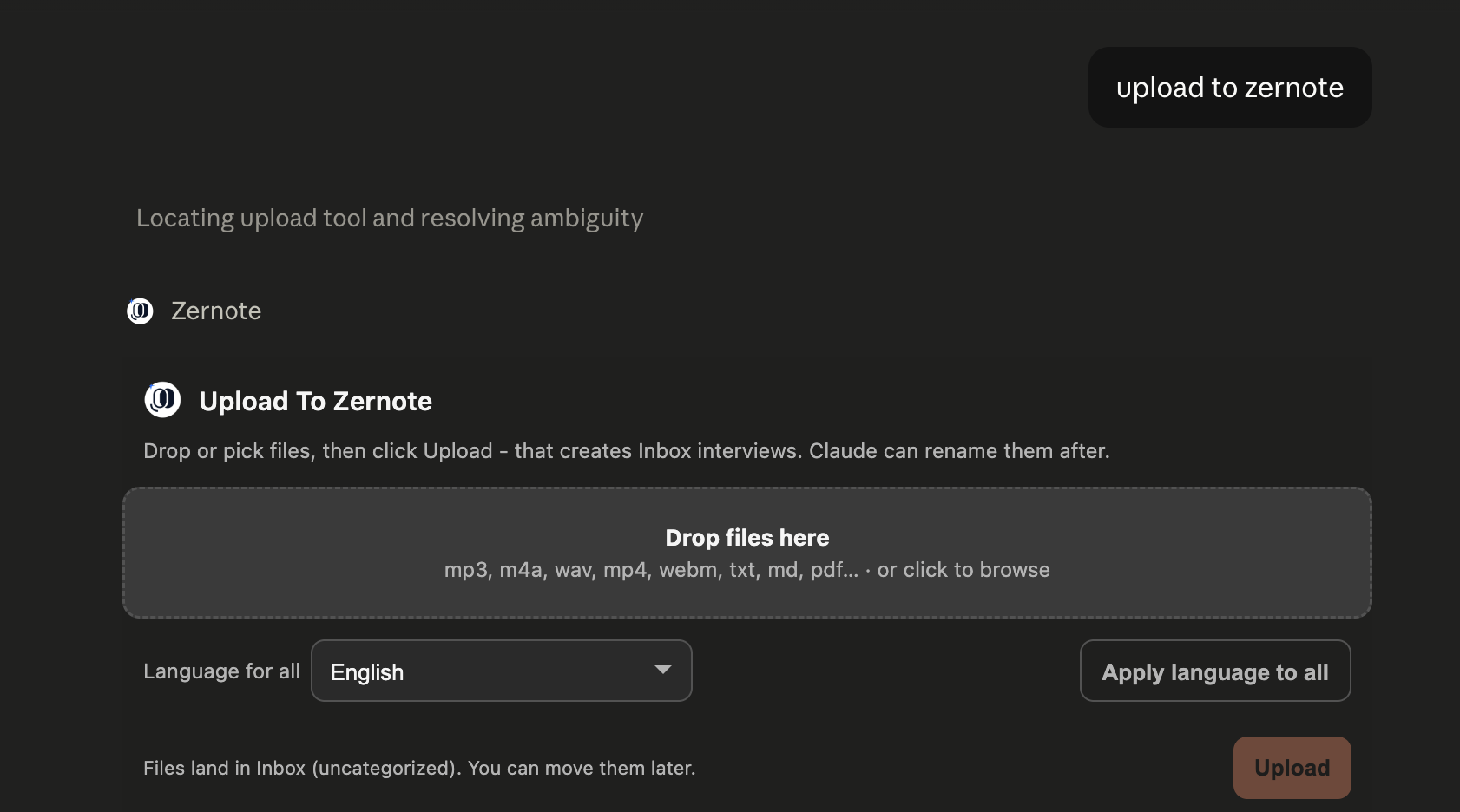
After the upload, the file-processing microservice checks whether the user has enough tokens to process the file. If not, it returns a 403.
The prompt
At the end of the upload the widget can insert a full prompt into the chat: the IDs of the uploaded files and the next steps.
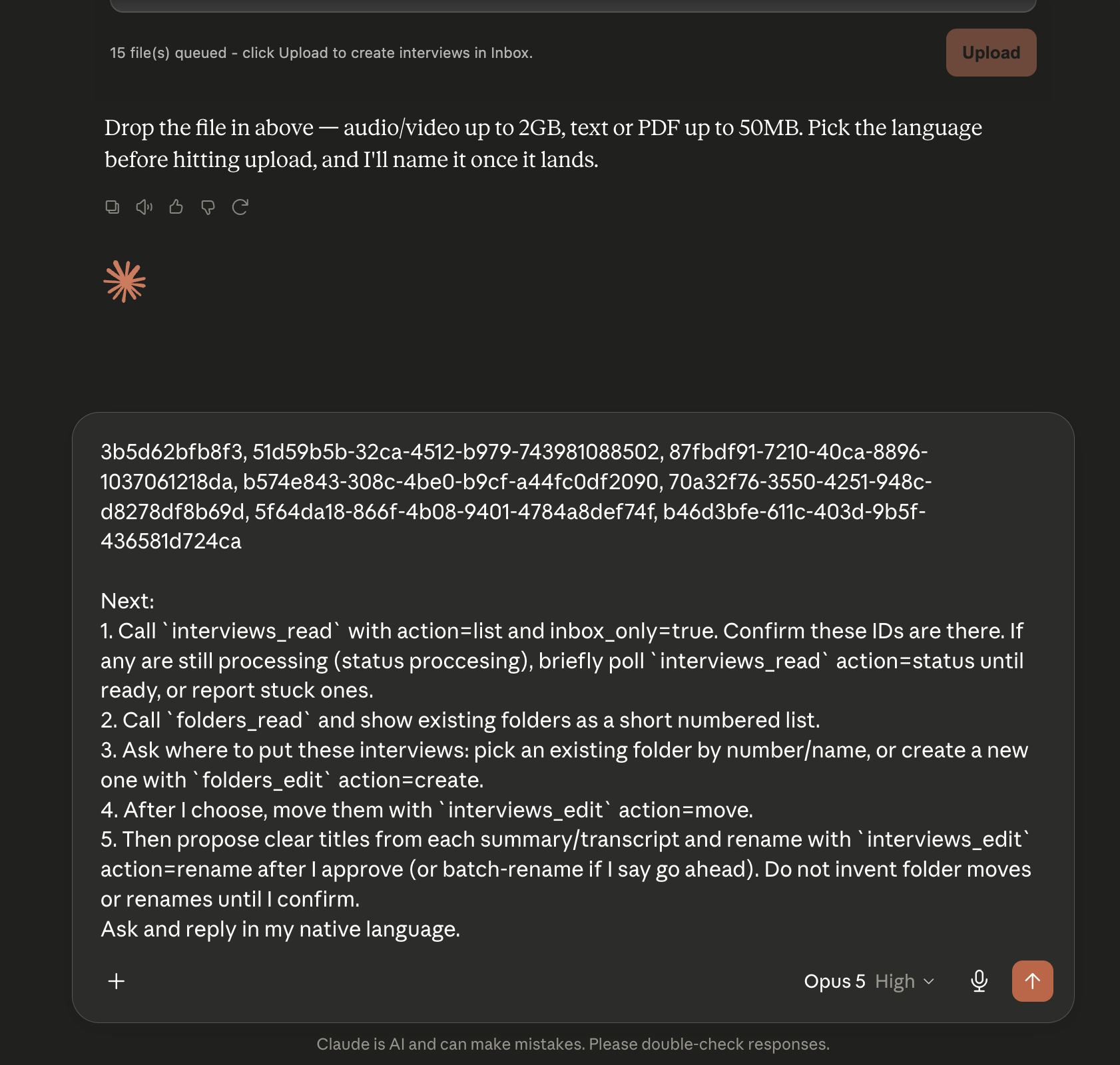
The prompt is in English, with a request at the end to reply in the user's own language.
Design
The last detail, and not a small one: presentation.
The widget renders inside the chat as an HTML block. Without careful styling its interface hurts to look at and feels foreign to the conversation.
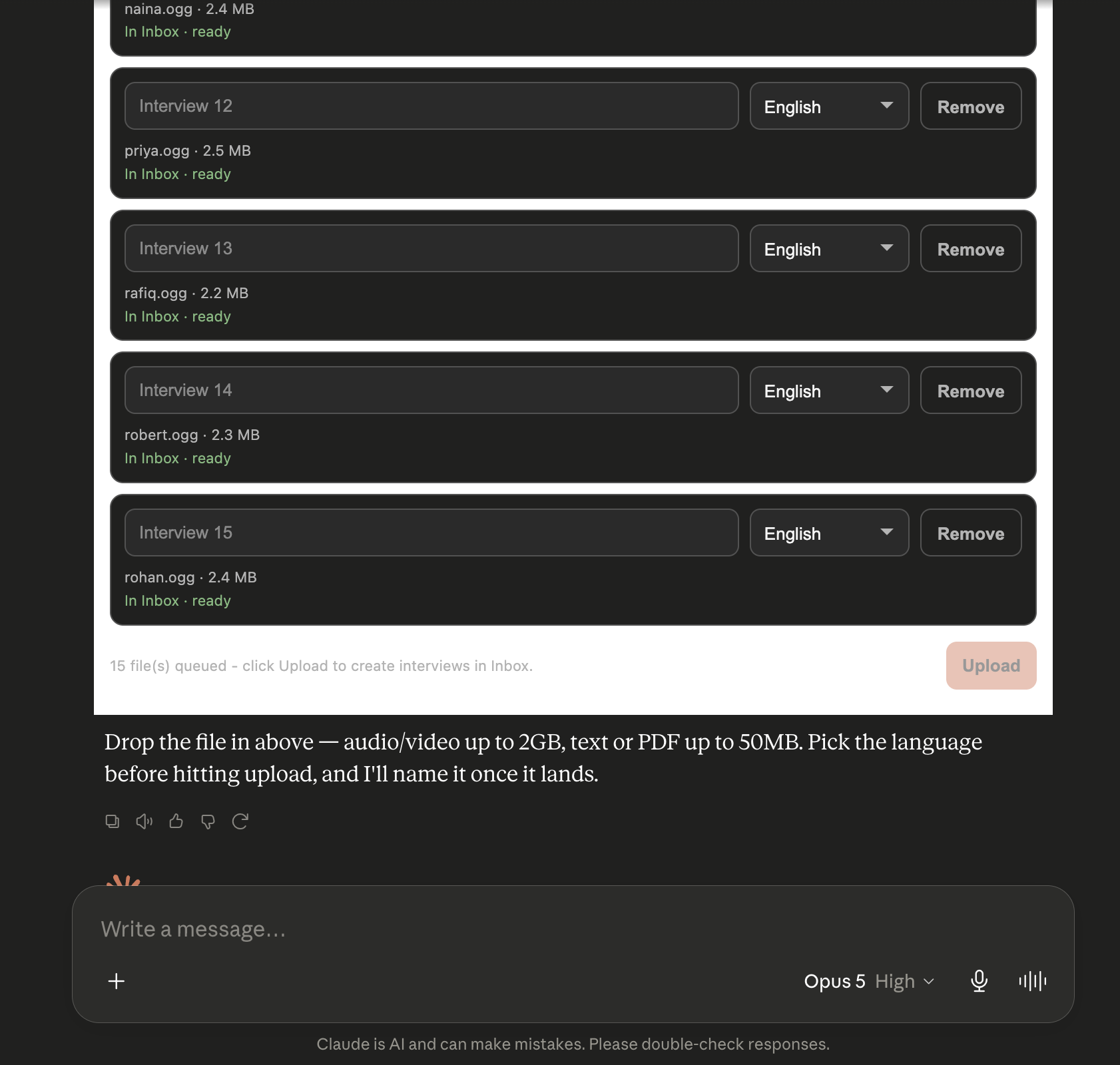
We fixed that.
Bonus
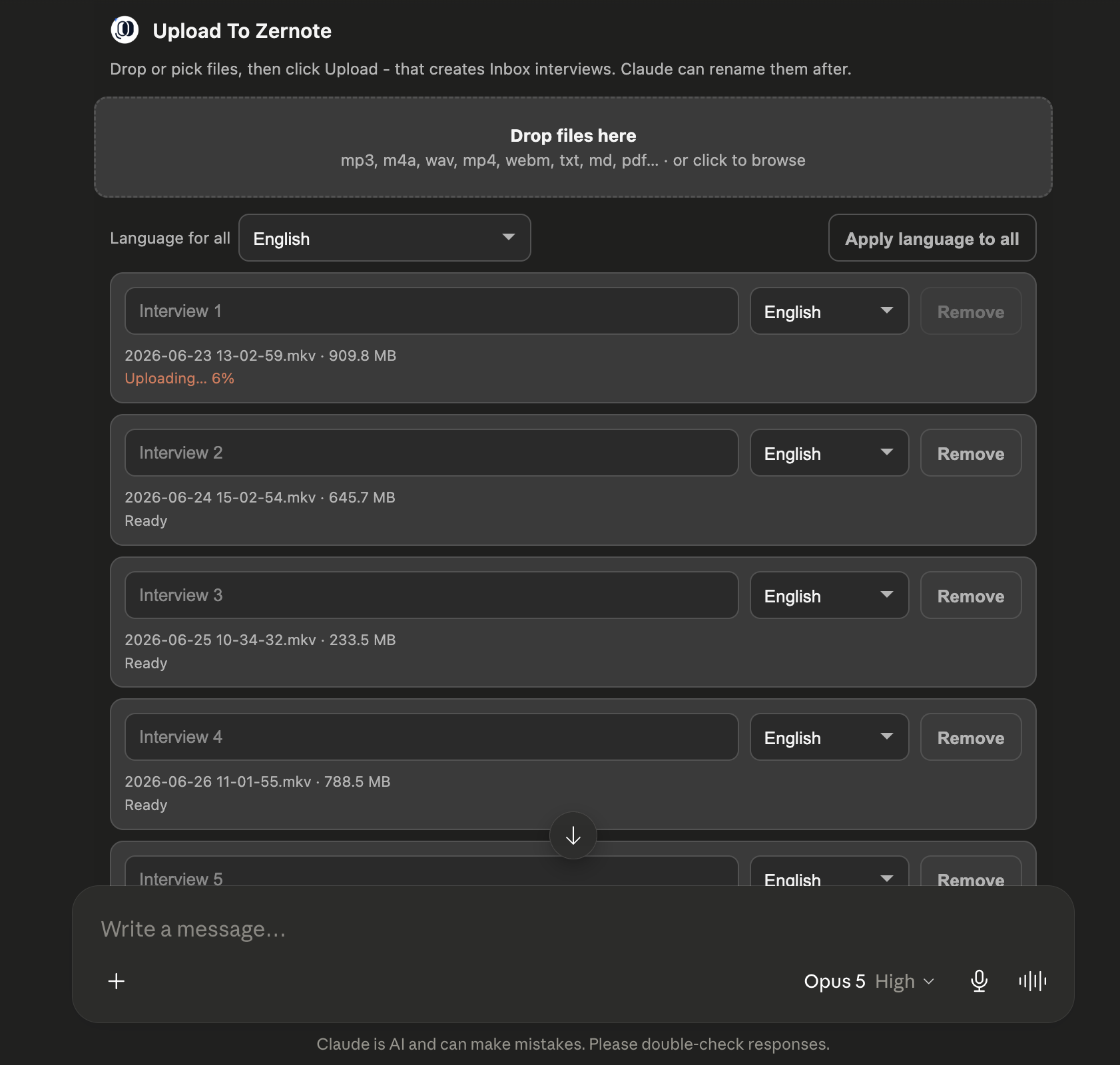
We got obsessed with working with our own tools through MCP and widgets.
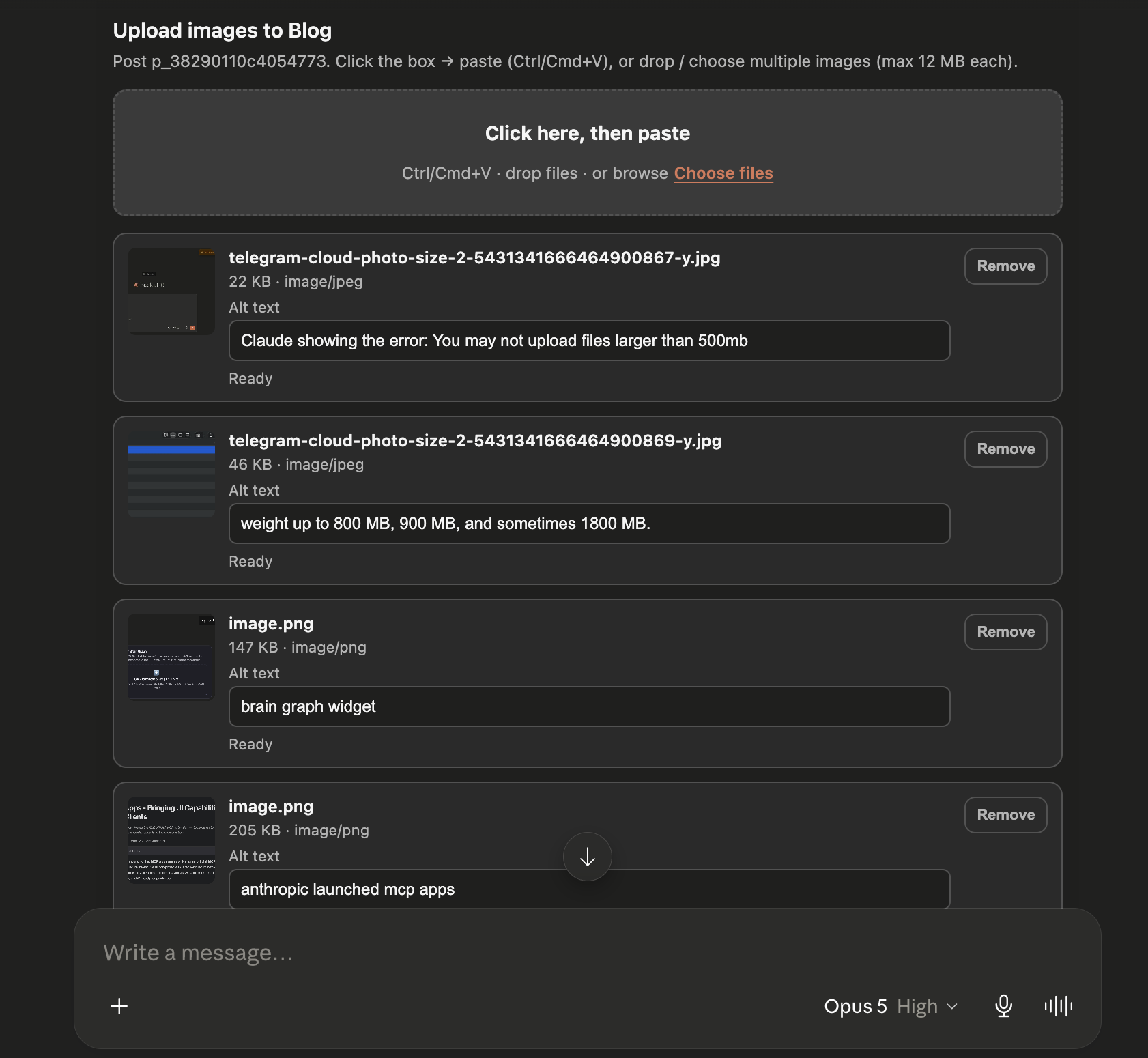
The images in the article you are reading were uploaded through one.
Try it
This version of the MCP is already live in our connector. It is free to try.
If you have any questions - feel free to text me at ceo@zernote.com :)
Also check out our other articles
- Dovetail alternatives in 2026 - repositories, synthesis tools, AI-moderated platforms and general-purpose QDA software that teams use instead of Dovetail.
- Hello from Zernote - what we build, who we build it for, and what we plan to write about here.